
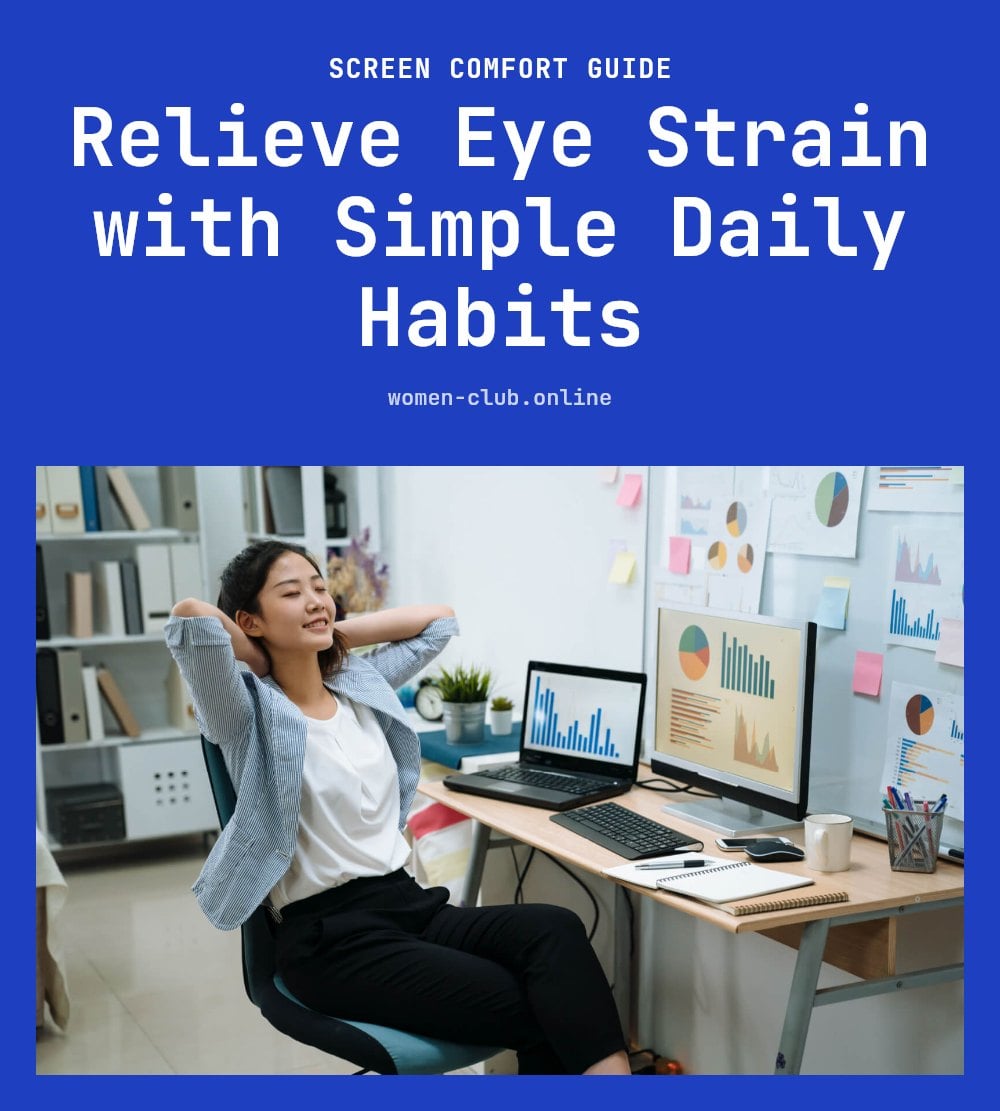
If your eyes feel tired, dry, or achy after a day in front of a screen, you are not alone. Digital eye strain is a common condition that affects anyone who spends two or more continuous hours a day looking at a computer, tablet, or phone. The good news is that simple daily habits can make a real difference. This article covers the most effective adjustments you can make to your workspace, screen habits, and self-care routine to relieve and prevent eye strain.
Key Takeaways
- Follow the 20-20-20 rule: every 20 minutes, look at something 20 feet away for 20 seconds.
- Position your screen at arm’s length and slightly below eye level.
- Adjust screen brightness to match your room’s lighting and minimize glare.
- Blink consciously and use lubricating eye drops if your eyes feel dry.
- Take short breaks every hour to stretch and rest your eyes.
Quick Answer: How to Relieve Eye Strain from Screens
Eye strain from screens, also called digital eye strain, is a common problem from prolonged screen use. It causes discomfort like dry eyes, headaches, and blurred vision. Simple adjustments to your screen habits, workspace, and self-care routines can effectively alleviate and prevent these symptoms. Focus on the 20-20-20 rule, proper screen positioning, and conscious blinking to find relief.
1. Follow the 20-20-20 Rule
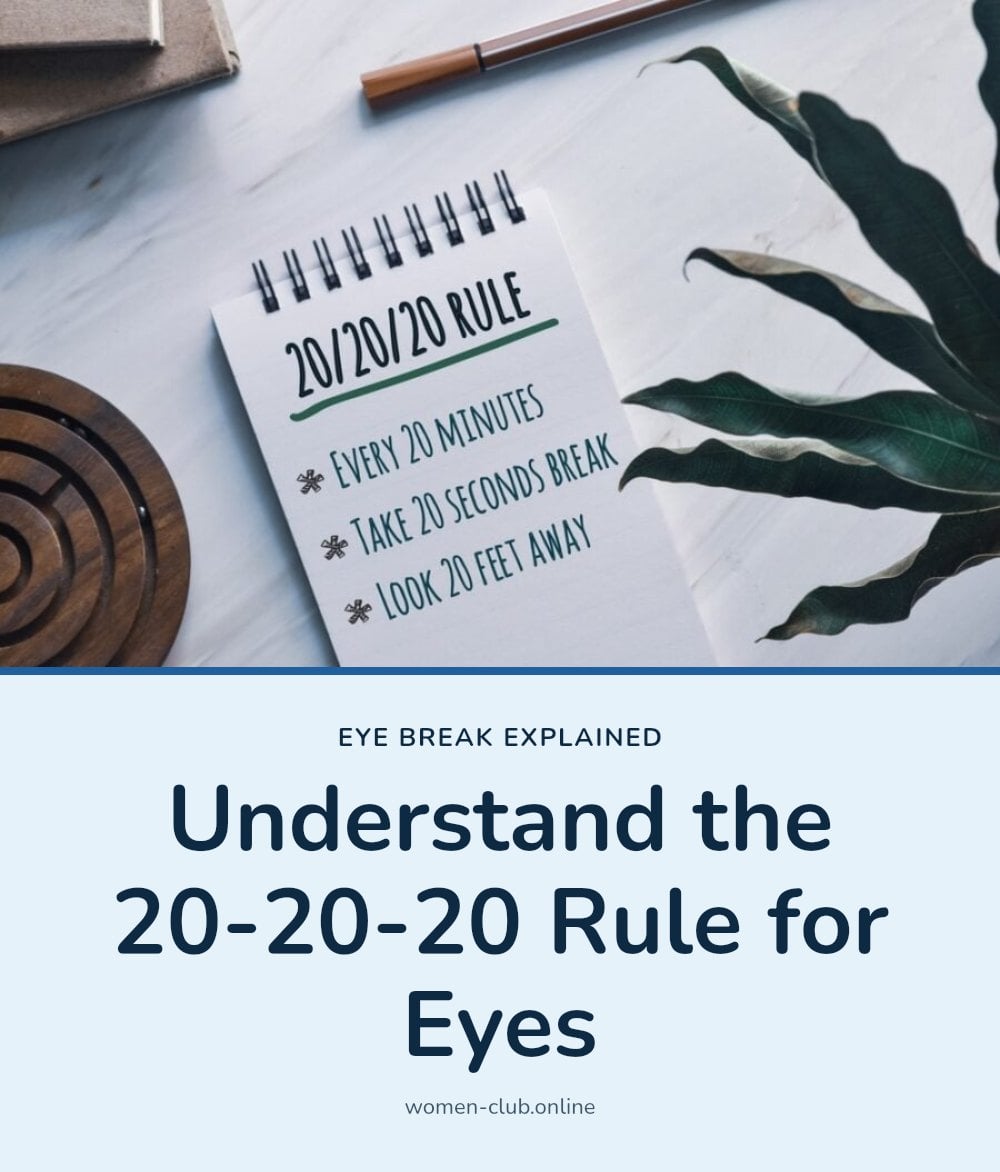
Every 20 minutes, look at something 20 feet away for at least 20 seconds. This simple practice helps your eye muscles relax and refocus, significantly reducing fatigue. My tip: Set a timer or use a browser extension as a reminder until it becomes a habit.
2. Optimize Your Screen Position

Position your computer screen at arm’s length, about 20 to 28 inches or 50 to 70 cm from your eyes. The top of your screen should be slightly below eye level, so you are looking slightly downward. This ergonomic setup reduces neck strain and allows for a more natural viewing angle.
3. Adjust Screen Brightness and Contrast
Match your screen’s brightness to the surrounding room’s light to avoid harsh contrasts. Adjust contrast and text size for comfortable reading; do not strain to see small fonts. Using a screen that is too bright or too dim for your environment can quickly lead to eye fatigue.
4. Ensure Proper Workspace Lighting
Light your workspace well, but keep direct glare off your screen. Position your monitor so windows sit to the side, not in front or behind you, and use blinds or curtains to control bright daylight. Overhead lights can also reflect on the screen, so angle the monitor or adjust the lighting to reduce that bounce.
Poor lighting makes your eyes work harder to focus, which adds to strain. Aim for ambient light that is similar in brightness to your screen, and avoid working in a completely dark room.
5. Blink Frequently and Consciously
When you focus on a screen, your blink rate drops, and your eyes dry out faster. Make a conscious effort to blink fully and often, closing your eyelids completely each time to spread moisture across the surface.
My tip: Try to blink 10 to 15 times every few minutes, especially during intense tasks like writing or coding. If you notice your eyes feeling gritty, that is a sign you have not been blinking enough.
6. Use Lubricating Eye Drops
If your eyes feel dry, artificial tears can bring quick relief. Look for drops labeled for lubrication or rewetting, and skip redness-relief formulas, which can make dryness worse with regular use because they shrink blood vessels and reduce natural moisture.
My tip: Finding a brand that works for you can make a real difference in comfort all day. Keep a bottle at your desk and use it before your eyes feel irritated, not only after the discomfort starts.
7. Take Regular Short Breaks
Beyond the 20-20-20 rule, step away from your screen for a longer break every hour or two. Use those 5 to 10 minutes to stretch your neck and shoulders, walk around the room, or get a glass of water.
These breaks ease general fatigue and body stiffness, which can indirectly reduce eye strain. Sitting still in one position tenses your whole body, and that tension often shows up as eye discomfort.
8. Consider an Anti-Glare Screen Filter
An anti-glare screen filter or coating can cut reflections and improve screen clarity, especially in bright rooms. It won’t fix all eye strain, but it makes a real difference if you work near windows or under overhead lights. Many filters also add a matte finish that reduces glare from your own screen.
9. Review Your Eyeglass Prescription
An outdated eyeglass or contact lens prescription forces your eyes to work harder, which can worsen strain. If your vision has changed or you haven’t had an exam in over a year, schedule one. A simple prescription update often relieves symptoms that seemed unrelated to your lenses.
10. Explore Blue Light Filtering Options
Blue light from screens is commonly blamed for eye strain, though research on long-term harm is still ongoing. Many devices include built-in night modes or blue light filters you can turn on. You can also buy glasses with blue light blocking lenses. While not proven for everyone, many people find these options reduce evening discomfort.
11. Stay Hydrated and Well-Rested
Dehydration can make dry eyes worse, and fatigue amplifies any existing strain. Drink water regularly throughout the day and aim for seven to nine hours of sleep each night. These basic habits support your eyes’ natural ability to stay lubricated and focused.
When to Consult an Eye Care Professional
If your eye strain symptoms persist or worsen even after you consistently follow these habits, it’s time to see an optometrist or ophthalmologist. Sudden changes in vision, severe eye pain, or persistent headaches should always be evaluated by a doctor right away. These can signal a more serious condition that needs professional attention.
Caution: This advice is for general discomfort only, not a substitute for a medical diagnosis or treatment. Your eye care professional can identify the underlying cause and recommend the right solution for your specific situation.
Frequently Asked Questions
How long does it take for eye strain to go away?
With consistent daily practice of the habits described in this article, many people notice relief from eye strain symptoms within a few days to a few weeks. The timeline depends on how consistently you apply the changes and the severity of your symptoms before starting.
Can eye strain cause permanent damage?
Digital eye strain itself is not considered a permanent condition and typically does not cause lasting damage to your eyes. However, if symptoms like severe pain, sudden vision changes, or persistent headaches occur, they should be evaluated by a doctor to rule out other underlying issues.
Are blue light glasses effective for eye strain?
Blue light from screens is often mentioned as a cause of eye strain, but scientific evidence for its long-term harm to eyes is still being researched. Many devices have built-in blue light filters or night modes you can try first. Blue light glasses may help some people, but they are not a proven cure for eye strain.
Can poor posture contribute to eye strain?
Yes, poor posture can contribute to eye strain indirectly. Slouching or leaning forward to see your screen can cause neck and shoulder tension, which often leads to headaches and overall fatigue that worsens eye strain. Keeping your screen at the correct distance and height helps maintain better posture.
What’s the best lighting for preventing eye strain?
The best lighting is even and indirect, with no bright lights or windows directly in front of or behind your screen. Use blinds to control daylight and position your monitor so windows are to the side. Overhead lights should be angled to avoid reflecting on your screen.
Final Thoughts
Start with one change, like setting a timer for the 20-20-20 rule or adjusting your screen height, and build from there. Most people notice relief within a few days to a few weeks of consistent practice. If symptoms persist or worsen despite these habits, see an eye care professional for a thorough exam. Your eyes work hard for you every day, so giving them a little support goes a long way.
This article is for general informational purposes only and does not constitute medical advice. Eye strain symptoms can vary, and persistent or severe issues should be evaluated by an optometrist, ophthalmologist, or other qualified healthcare professional. Always consult a doctor for a proper diagnosis and treatment plan.